
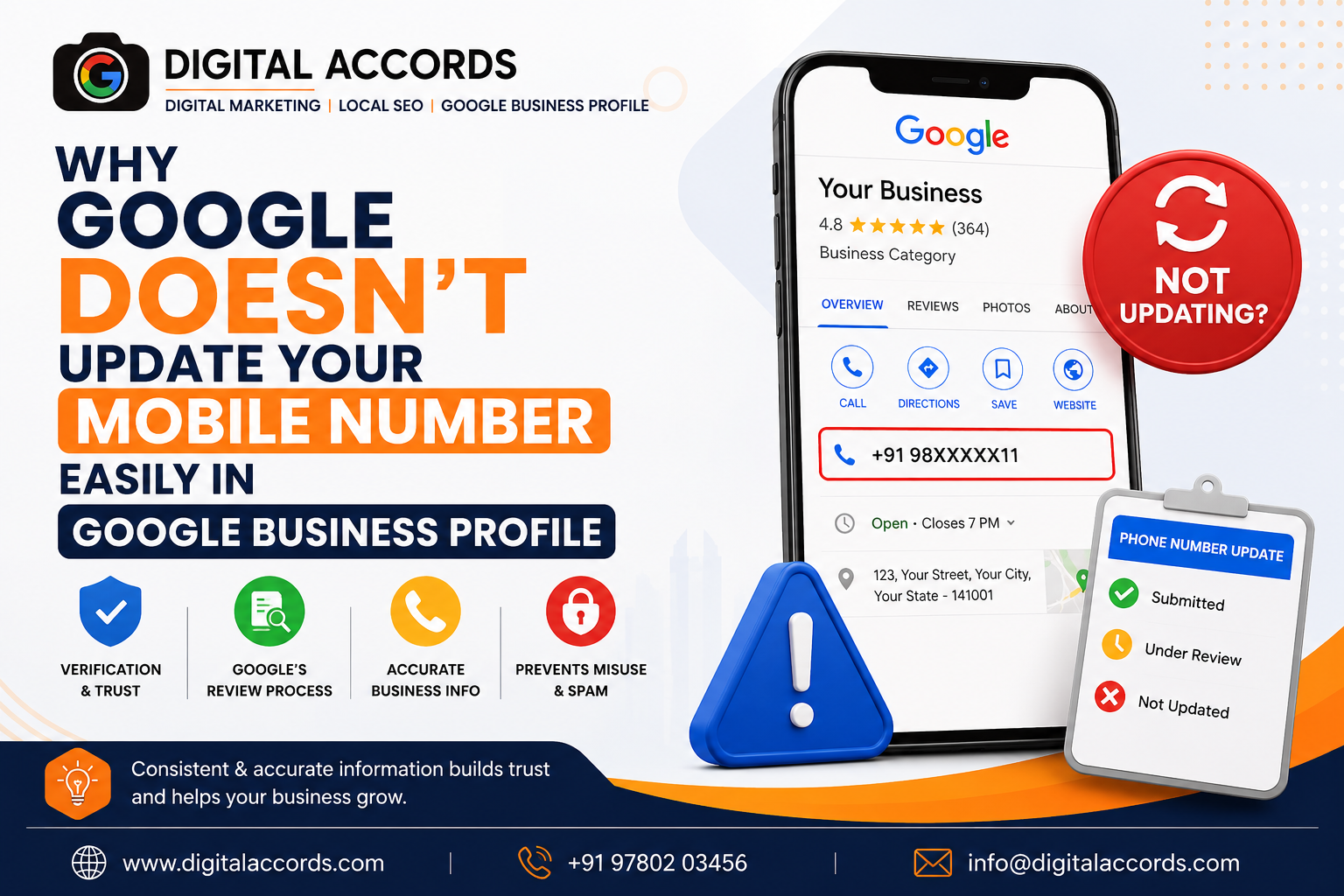
Changing a mobile number on your Google Business Profile (GBP) sounds like a simple task. You open your profile, edit the phone number, click save—and expect the new number to appear immediately.
But sometimes, Google doesn't update the number at all.
Your edit may remain pending, get rejected, or the old phone number may continue appearing on Google Search and Google Maps.
So, why does Google make something as basic as changing a business phone number so difficult?
The answer is simple: Google treats your business phone number as an important trust signal and does not automatically accept every change.
In this article, we explain why your Google Business Profile phone number is not updating, what Google checks before approving a new number, and what you can do to improve your chances of getting the change approved.
Why Is Your Google Business Profile Phone Number Not Updating?
Google wants the information displayed on your Business Profile to be accurate and trustworthy.
Your phone number is one of the most important pieces of information customers use to contact your business. Because of this, Google may review changes before publishing them.
Google officially states that edits to verified Business Profiles are reviewed to make sure they follow its guidelines. An edit can be accepted, rejected, or remain pending during review. While many edits are reviewed quickly, some can take considerably longer.
For phone numbers, Google may apply additional checks, particularly in regions such as India.
1. Google Wants to Confirm That the Number Belongs to Your Business
One of the biggest reasons for phone-number verification is preventing misleading or unauthorized changes.
Imagine someone gains access to a Business Profile and replaces the company's phone number with their own number. Customers could then call the wrong person, and the business could lose potential leads.
To protect businesses and users, Google checks whether the new phone number appears to be a genuine contact number for the business.
Google's guidelines state that the phone number should be under the direct control of the business and should connect customers to the actual business location.
2. Your Website and Google Profile Have Different Phone Numbers
This is a common issue.
For example:
Google Business Profile:
+91 98XXXXXX11
Business Website:
+91 87XXXXXX22
You are trying to change your GBP number to +91 87XXXXXX22, but Google may have difficulty confirming the change.
This doesn't automatically mean Google will reject the edit, but having consistent business information across your website and other online properties can help establish trust.
Before changing your GBP phone number, make sure the new number is clearly associated with the business on your official website and other legitimate business references.
3. Google May Be Applying Additional Checks in India
Businesses in India can sometimes experience additional verification requirements when changing their Google Business Profile phone number.
Google Business Profile community guidance notes that, in India, additional information may be requested to verify phone-number edits. The submitted edit can remain pending while Google reviews the information, and Google may reject an edit if it cannot confirm the number.
This is one reason why a phone-number change that looks completely normal from a business owner's perspective may not immediately appear on Google.
4. The New Number May Not Meet Google's Phone Guidelines
Not every phone number is suitable for a Google Business Profile.
According to Google's Business Profile guidelines, businesses should provide a phone number that connects to the individual business location whenever possible.
Google also recommends using a local phone number instead of a central call-center number when possible. The number should be under the business's direct control.
For example, problems may occur when businesses use:
- Temporary phone numbers
- Numbers that don't directly connect to the business
- Numbers unrelated to the actual business
- Certain call-center or forwarding arrangements
- Numbers that appear inconsistent across business information
The goal is not simply to provide a number—it is to provide a real, authoritative contact number for the business.
5. Google Can Use Information From Other Sources
Another important factor is that Google doesn't rely exclusively on the information you enter yourself.
Google can receive business information from different sources, including user reports and other data sources. If Google receives information suggesting that your existing business information is inaccurate, it may make updates to your Business Profile.
This means that simply changing the number inside your GBP may not always be enough.
Your business information should ideally be consistent across your:
- Official website
- Google Business Profile
- Social media profiles
- Business directories
- Local citations
- Other trusted business listings
The more consistent your business information is, the easier it can be for customers—and search systems—to understand which phone number is authoritative.
How to Change Your Phone Number on Google Business Profile
If you want to update your phone number, the normal process is straightforward.
Step 1: Open Your Google Business Profile
Sign in to the Google account that manages your Business Profile.
Step 2: Select Edit Profile
Open your Business Profile and select Edit profile.
Step 3: Go to Contact Information
Select the contact section and find the phone number.
Step 4: Enter Your New Number
Replace the old phone number with the new business number and save the changes.
Google's current help documentation confirms that businesses can add a primary phone number and up to two additional mobile or landline numbers.
Step 5: Wait for Google's Review
After submitting the change, don't assume that the number will immediately appear publicly.
Your edit may show as:
Accepted – The new information has been published.
Pending – Google is still reviewing the change.
Not approved – Google couldn't confirm the information or determined that the edit didn't meet its requirements.
What Should You Do If Your GBP Phone Number Is Stuck on Pending?
If your phone-number edit remains pending, avoid repeatedly changing the number.
Instead, check the following:
Check Your Website
Make sure the new phone number is clearly displayed on your official website, preferably on your contact page and other relevant business pages.
Check Your Business Listings
Look for old phone numbers across important business directories and local listings.
Check Your Social Profiles
If your Facebook, Instagram, LinkedIn or other business profiles display the old number, update them where appropriate.
Verify the Number
Make sure the new number is active and genuinely connects customers to your business.
Complete Additional Verification
If Google displays a "Learn more" option or asks for additional information regarding the phone-number edit, complete the requested process.
Google's guidance for phone-number edits indicates that additional information may be submitted when required during the review process.
Why You Shouldn't Keep Editing Your GBP Again and Again
One common mistake businesses make is repeatedly submitting different phone numbers.
For example:
Monday: Change number to 98765XXXXX
Tuesday: Change it again
Wednesday: Try another number
Thursday: Ask someone else to edit it
This can make the situation more complicated rather than solving it.
Instead, first make sure the number is correct, authoritative and properly associated with the business. Then submit the change and allow Google's systems to review it.
How Digital Accords Can Help With Google Business Profile Issues
A Google Business Profile is more than just a listing on Google Maps.
Your GBP can influence how customers discover your business, call you, visit your website and request directions.
If your phone number isn't updating, your business may potentially lose valuable calls and leads.
At Digital Accords, we help businesses manage and optimize their Google Business Profiles, including profile optimization, local SEO, business information updates and Google Maps visibility.
If your Google Business Profile phone number is not updating, we can help identify possible issues with your profile information and guide you through the appropriate correction and verification process.
Important: No legitimate SEO agency can guarantee that Google will approve every GBP edit. Final approval is controlled by Google's systems and policies.
Frequently Asked Questions
Why is my Google Business Profile phone number not changing?
Google reviews Business Profile edits to protect the accuracy and integrity of business information. Phone-number changes may require additional verification, particularly in some regions such as India.
How long does a Google Business Profile phone-number change take?
Many edits are reviewed quickly, but Google says some Business Profile edits can remain pending for up to 30 days.
Can I add more than one phone number to my GBP?
Yes. Google currently allows a primary phone number plus up to two additional mobile or landline numbers.
Should my website have the same phone number as my Google Business Profile?
It is strongly recommended to keep your business information consistent. Your website should clearly represent the business and the phone number should be a genuine, authoritative business contact.
Why did Google reject my phone-number edit?
Google may reject an edit if it cannot confirm the accuracy of the information or if the proposed change doesn't meet its guidelines.
Can Digital Accords change my Google Business Profile phone number?
Digital Accords can help you diagnose GBP phone-number issues, prepare the correct business information and guide you through Google's available verification and review process. However, Google makes the final decision on whether an edit is approved.
Final Thoughts
If Google doesn't update your mobile number immediately, it doesn't necessarily mean that your Google Business Profile is broken.
Google is designed to protect Business Profiles from inaccurate or unauthorized changes. That's why phone-number edits can sometimes require additional review or verification.
The best approach is to use a genuine business phone number, maintain consistent business information across your online presence, follow Google's guidelines, and complete any additional verification requested by Google.
If your Google Business Profile phone number is stuck, rejected or repeatedly reverting to the old number, getting the issue properly diagnosed can save you time and prevent unnecessary changes to your profile.
Need help with your Google Business Profile? Contact Digital Accords for professional GBP management and Local SEO services.

Written by Prince Malhotra
Founder & Director at Digital Accords. Specialized in Local SEO algorithms, Google Business Profile recovery appeals, and 360° VR mapping.
